


Short answer. Your agent picks the wrong tool because it chooses by reading every tool definition in its context, and a large, overlapping toolset buries the right one among distractors while bloating the prompt. Stop showing the model every tool. Index your tools and retrieve only the few relevant to each task, and selection accuracy more than triples while the token bill drops by half.

Facing a wall of near-identical tools, the agent hesitates and reaches for the wrong one. The right tool is lost in the crowd. Hero image.
Key facts.
- More tools, worse choices: in a controlled stress test, retrieving only the relevant tools more than tripled tool-selection accuracy, from 13.62% to 43.13%, while cutting prompt tokens by over 50% (RAG-MCP, arXiv:2505.03275, 2025).
- The degradation is sharp: the same test varied the pool from 1 to over 1,100 tools and found accuracy and task success held up below about 30 tools but fell off steeply past roughly 100, as distractors and semantic overlap overwhelmed selection (RAG-MCP, 2025).
- The cost is double: every tool definition you add fills the context window, so a sprawling toolset both confuses the model and inflates the token bill of every single call (RAG-MCP, 2025).
Why does adding tools make the agent worse?
Because every available tool is a distractor the model has to rule out. To choose a tool, the agent reads all the tool definitions in its context and picks one. With a handful of tools that is easy. With a hundred, many of them similar, the right choice is buried among near-duplicates, and the model, which cannot reliably filter relevant from irrelevant, picks a plausible wrong one. The RAG-MCP work frames it bluntly: tool sprawl does not just add options, it poisons the decision by flooding the context with distractors. Two things compound it: semantic overlap, where several tools sound like they could do the job, and prompt bloat, where the sheer volume of definitions crowds out the actual task. More tools is not more capability. Past a point it is less.
How fast does it degrade?
Faster than most teams expect. The RAG-MCP stress test scaled the tool pool from one to over a thousand and measured selection accuracy at each step. Below roughly thirty tools, the agent held up. Past about a hundred, accuracy and task success fell off sharply, with failures dominating at the high end as distractors and overlap won. The headline numbers make the size of the problem concrete: showing the model every tool gave 13.62% selection accuracy, while retrieving only the relevant ones first reached 43.13%, more than three times better, on the same tasks. The lesson is that a large tool registry is not a neutral convenience. It actively caps how well the agent can choose.
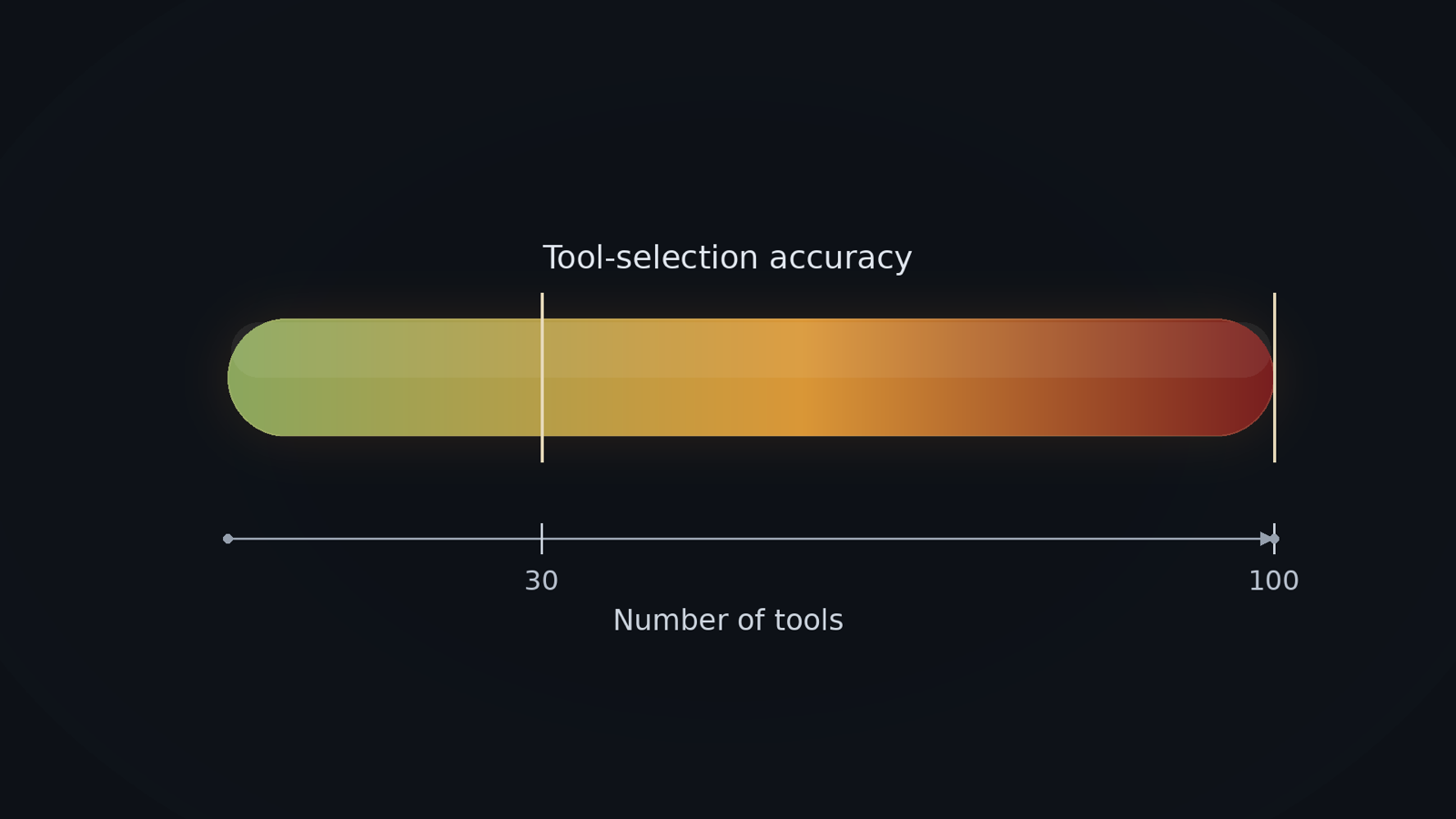
Selection accuracy as a heatmap against tool count: green and reliable under ~30 tools, sliding to red past ~100 as distractors take over. Diagram.
The fix is retrieval, not a bigger prompt
Stop showing the model every tool. The reliable fix is to treat tools the way you treat documents in RAG: index their descriptions, and at query time retrieve only the handful relevant to the current task, then show the model just those. RAG-MCP does exactly this and more than triples selection accuracy while cutting prompt tokens by over half, because the model now chooses among a few good candidates instead of hundreds of distractors. This scales: the registry can hold thousands of tools, but the model only ever sees the few that matter for the request. It is the same move that fixes context bloat everywhere, retrieve what is relevant instead of stuffing everything into the prompt.
How to keep the toolset sane
| Practice | What it does |
|---|---|
| Retrieve tools per query | Show the model only the few relevant tools, not the whole registry |
| Keep the per-call set small | Aim for a handful of tools in context, well under the degradation point |
| Remove near-duplicates | Merge or namespace tools that overlap, so the model is not guessing between them |
| Group hierarchically | Pick a category first, then a tool within it, instead of one flat list |
| Name and describe clearly | Distinct names and crisp descriptions make the right tool easier to find |
| Measure selection accuracy | Track how often the agent picks the right tool as you add more |
The pattern is that an agent chooses a tool by reading them all, so every tool you add makes the choice harder and the prompt heavier, until accuracy collapses under the weight of its own toolbox. Retrieve the few relevant tools per task instead of showing the whole registry, keep the per-call set small, and remove overlap. None of that is a bigger model, which gets just as confused by a hundred near-identical tools. It is a retrieval layer that hands the model only the tools that matter, which is what VibeModel builds as the Pattern Intelligence Layer.
Frequently asked questions
How many tools is too many?
In the RAG-MCP stress test, agents held up below about 30 tools and degraded sharply past roughly 100. Treat a few dozen as a soft ceiling for what the model sees at once, and retrieve a smaller relevant subset per task.
Isn't a bigger context window the answer?
No. A bigger window lets you cram in more tool definitions, which adds more distractors and more prompt bloat. The fix is to show fewer, relevant tools, not to make room for all of them.
What's the single best fix?
Tool retrieval: index your tool descriptions and fetch only the ones relevant to the current request, then show the model just those. That alone more than tripled selection accuracy and halved prompt tokens in the study.